
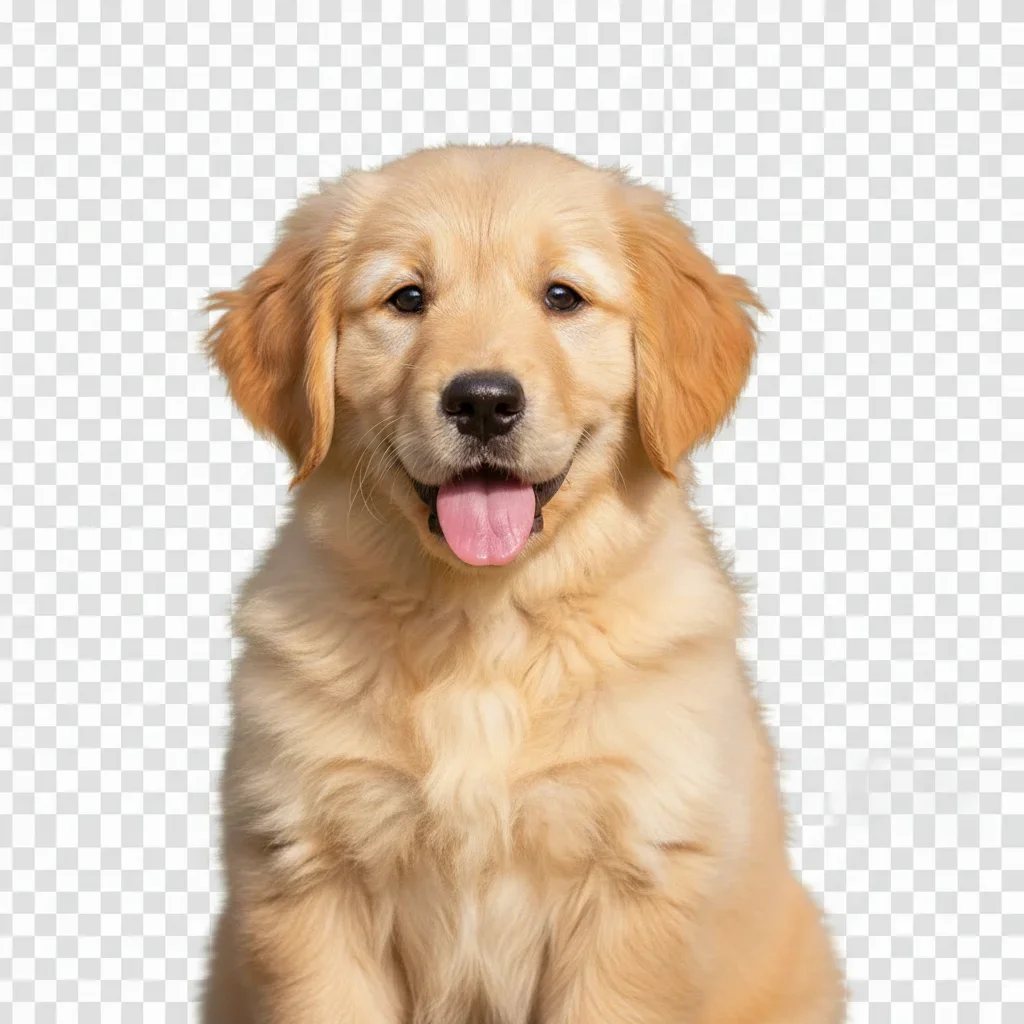
Remove Background
Instantly isolate subjects with one-click background removal.
Example task
Isolate a subject from a busy background.
Goal: A cutout to reuse in a new design.
Remove unwanted objects, change backgrounds, or try a new look. Choose a tool to continue in the app.
Review setup requirements and pricingSearch 142+ AI-powered photo editing tools
Explore selected tools below, or search all 142 supported tools.
Showing 23 of 23 curated tools
Instantly isolate subjects with one-click background removal.
Example task
Isolate a subject from a busy background.
Goal: A cutout to reuse in a new design.
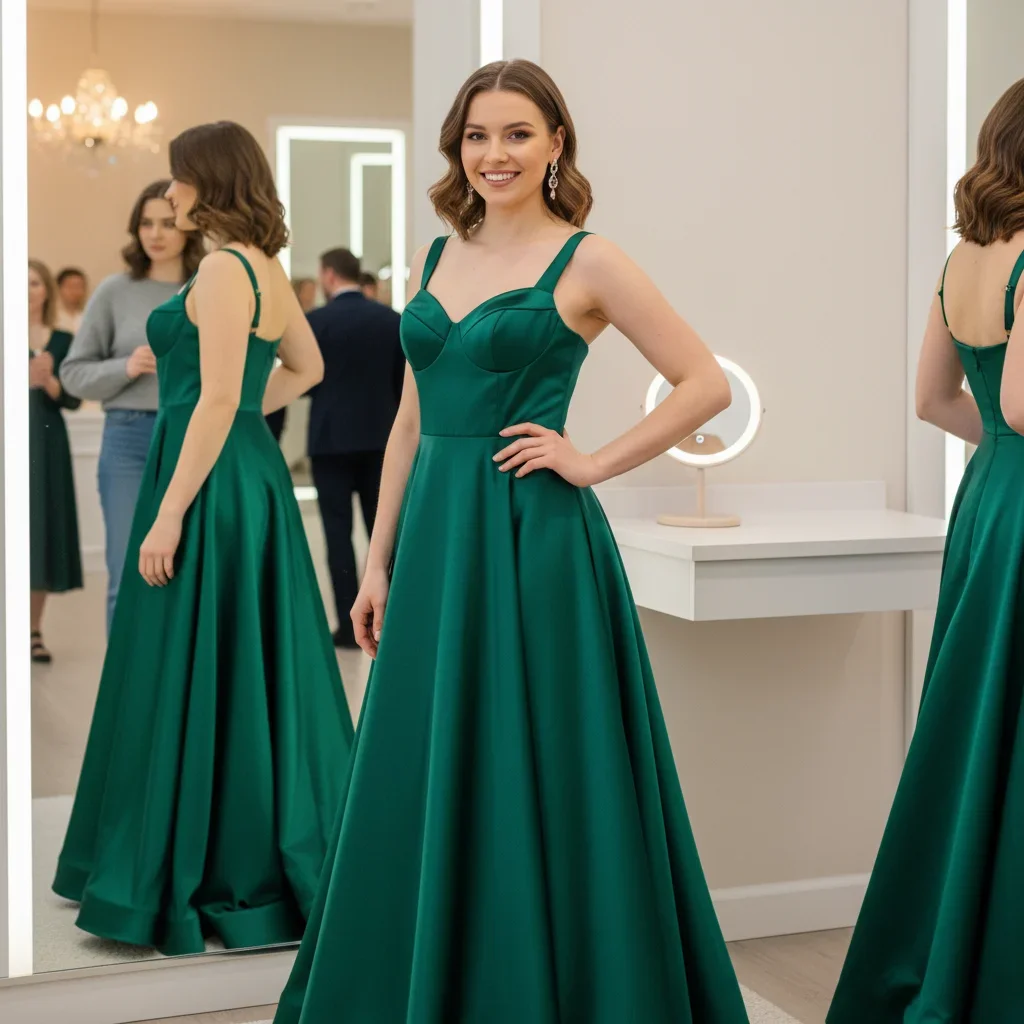
Swap any photo backdrop for an on-brand scene in seconds.
Create cinematic depth of field with adjustable AI blur.
Transform dull skies into dramatic sunsets or clear blue horizons.
Erase distractions, crowds, or blemishes with pixel-perfect fills.
Example task
Remove an unwanted object from a photo.
Goal: A scene with fewer distractions.
Repair scratches, tears, and fading in vintage photographs.
Bring black-and-white images to life with realistic colorization.
Eliminate grain and low-light noise while preserving details.
Fix overexposed highlights and reflections with smart recovery.
Correct red-eye with natural eye tones for portraits and events.
Retouch skin gently with AI-driven texture preservation.
Brighten smiles with natural-looking whitening adjustments.
Preview and perfect eye color with realistic iris mapping.
Apply digital makeup looks with adjustable intensity and style presets.
Preview bold colors or subtle highlights before booking your stylist.
Example task
Explore a different hair color in a portrait.
Goal: A visual reference for a salon consultation.
Smooth fine lines while keeping faces natural.
Swap faces between friends, celebrities, or characters flawlessly.
Explore masculine and feminine looks with realistic facial mapping.
See younger or older versions of yourself with age-accurate edits.
Turn portraits into stylised cartoon or anime-inspired avatars.
Generate on-brand visuals from text prompts with advanced control.
Craft polished logo concepts with typography and icon suggestions.
Design posters, stories, and quote graphics with smart layouts.
An example editing task
Take one photo from a distracting background to a reviewed image for your product listing.
Start with a photo that shows the product and the distracting object you want to remove.
Open Object Removal in the app to edit the unwanted object out of the photo.
Check the product details and the edited area before using the image in your listing.